What is Grok Bot? The Grok that keeps working after you close the laptop
Grok Bot is xAI's always-on AI agent, in beta since August 2026. Each Bot gets its own computer in the cloud, signs into your apps and does the job end to end. Here's what it is, how it works and how it differs from Grok chat and @grok.
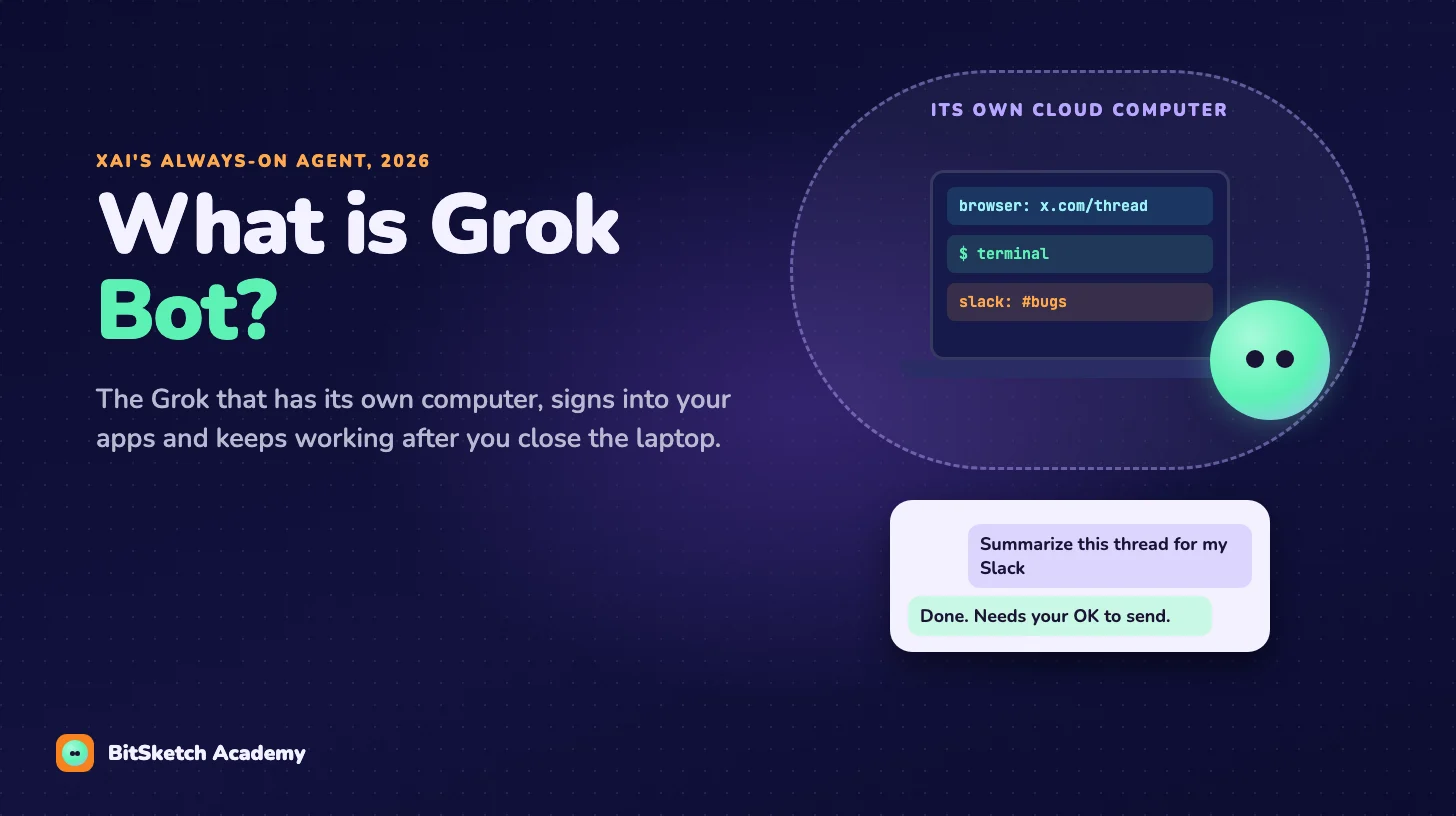
You're scrolling X and find a long thread about a bug in an app your team uses. You don't have time to read 80 replies. So you reply with one line:
@bot summarize this thread and send the key points to my Slack.
A moment later @bot posts a short note: the request was sent to your Grok Bot. Nothing else happens on X. But somewhere in the cloud, a computer that belongs to your Bot opens the thread, reads it, writes the summary, signs into Slack and posts it. You've already gone back to scrolling.
That's Grok Bot, the newest thing xAI has put the Grok name on. This post is a plain introduction: what it is, what's inside it, how you talk to it, and how it's different from the Grok you already know.
A chatbot answers. A Bot does the job.
xAI launched Grok Bot in beta on August 11, 2026, and describes it as "your team of always-on agents." An AI agent is a program where a language model doesn't just reply with text, but decides on steps, uses tools and keeps going until a task is done.
The difference from a chatbot is easiest to see in what happens when you leave:
- Grok chat (grok.com or the app) answers while you're there. Close the tab, and nothing more happens.
- Grok Bot keeps working. Its jobs run on a computer that isn't yours, so they don't stop when your laptop goes to sleep. It "only comes back when something needs your approval," in xAI's words.
You don't give it a prompt as much as a task: research these accounts, clean up the CRM, check the demo environment overnight, file a ticket for this bug. The examples in xAI's launch post are all things you'd normally hand to a colleague.
What's inside a Bot
Four parts make it more than a chat window.
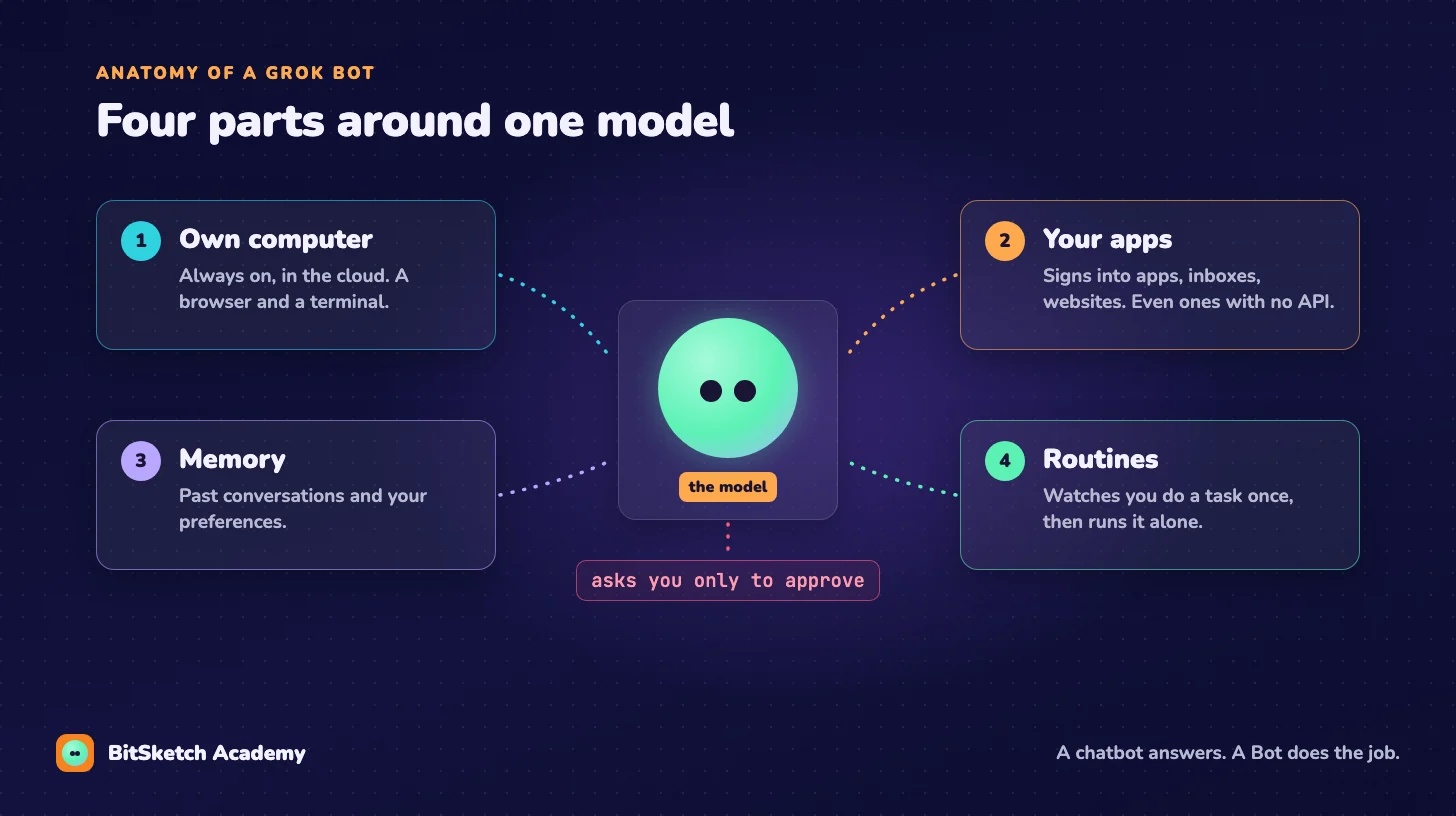
1. Its own computer. Each Bot runs on an always-on machine in the cloud with a browser and a terminal. That's where the work happens, not on your device.
2. Your apps. A Bot signs into the tools you already use and works across apps, inboxes and websites, "including those without an API." That last part matters: it can use a website the way a person does, by clicking through it in the browser, when there's no official way for software to connect.
3. Memory. Bots remember past conversations and learn your preferences over time, so you don't have to explain the same thing every Monday.
4. Routines. You can show a Bot a task once, by walking it through the steps, and it saves that as a routine it can run on its own later. When you correct it, it takes the correction into the next run.
Around all of this sits one rule: the Bot finishes what it can, and stops to ask when a decision needs you, like before sending an email in your name.
How you talk to it
Mostly, you just message it, like a coworker. There's a Grok Bot app for macOS and iOS (download at x.ai/bot), and the same conversation follows you from desktop to phone. Since then, the ways in have kept growing:
- Tag @bot on X. Reply to any post with @bot and a request, as in the story above. Your Bot gets your post, the post you replied to and any quoted post. The work and the results stay in your Bot's conversation; on X, @bot only posts a short confirmation.
- Read and watch X. Since October 7, Bots can search, read and monitor X, and send you alerts or a weekly roundup on a topic.
- X Chat DMs. In late October, xAI showed Bots reading and replying to your X Chat messages, with limits so they can't be used to spam people.
- Your phone's assistant. On Android you can set Grok Bot as the default digital assistant, and on iPhone you can put it on the Action Button.
- Group chats. You can run several Bots, put them in a group chat and let them pass work to each other, with one "chief of staff" Bot overseeing specialists.
Grok, @grok and @bot are three different things
The names are close, so here they are side by side.
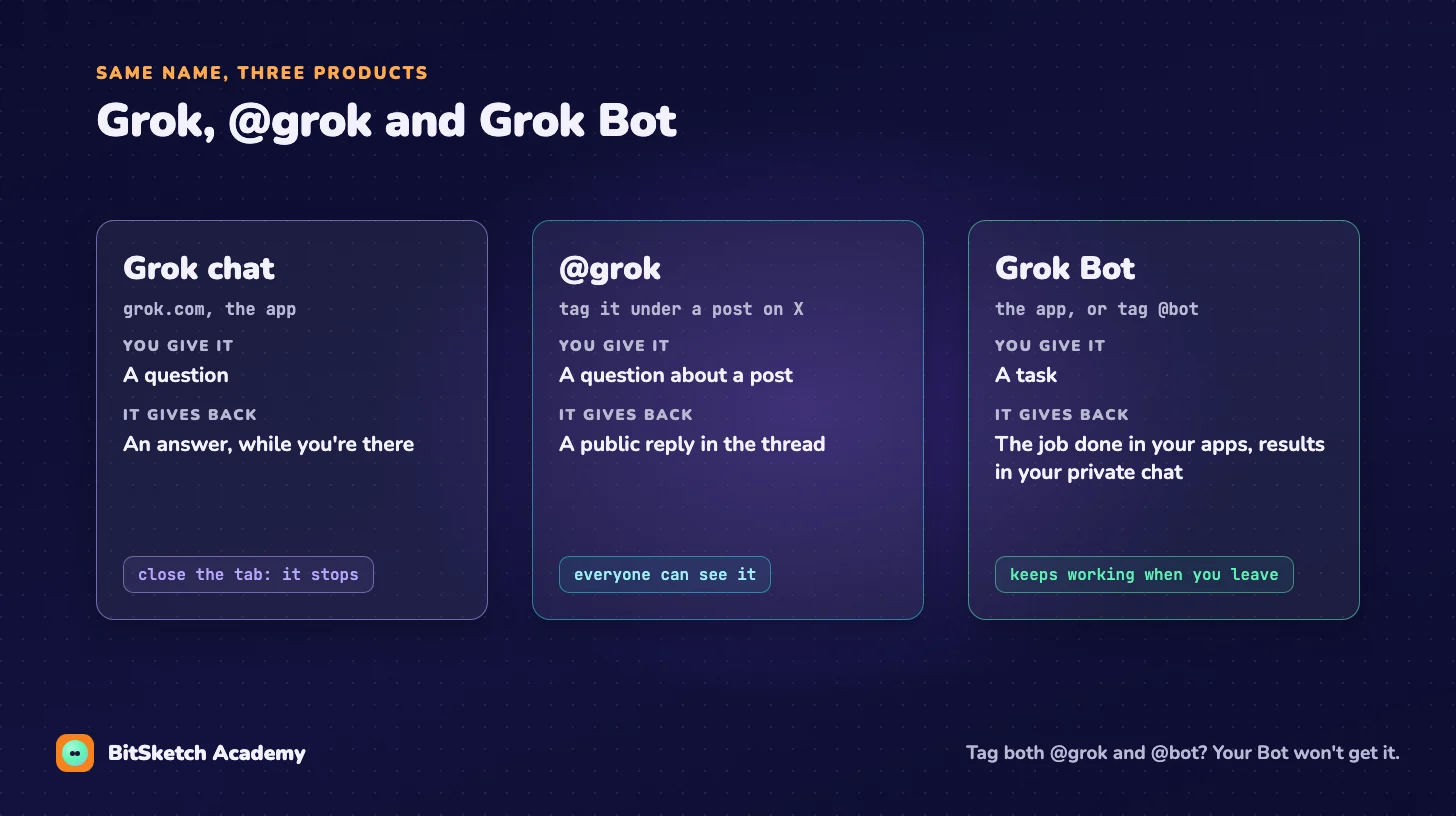
| Grok chat | @grok on X | Grok Bot (@bot) | |
|---|---|---|---|
| What you give it | A question | A question about a post | A task |
| Where the answer goes | Your chat window | A public reply under the post | Your private Bot conversation, or the app you named |
| Can it use your apps? | No | No | Yes, after you sign it in |
| Keeps working when you leave? | No | No | Yes |
One practical detail from xAI's docs: a post that tags both @grok and @bot won't reach your Bot. Pick one.
Bots for a whole team
On September 28, xAI added Team Bots: one Bot shared by a team. You give it files, instructions, connections to apps like Salesforce, Notion and GitHub, and the logins it needs. Everyone on the team can work with it, including from Slack, where each Bot has its own handle. Each person's conversations stay private, but the skills it learns are shared.
xAI's examples include a Bot per big customer account that writes a morning brief for the sales team, and a Data Bot that answers data questions with read-only queries against approved tables, and remembers corrections so the next person gets a better answer.
Who can use it
As of early November 2026, Grok Bot is still a beta:
- It's included with every SuperGrok plan (SuperGrok, Plus and Heavy) and with Cursor Pro, Pro+, Ultra and Teams plans. Enterprise customers can join a waitlist.
- Bot work has its own usage, separate from your normal Grok or Cursor limits. When the week's usage runs out, new requests wait.
- Tagging @bot on X depends on the country X has on record for your account. It's not available yet in Australia, the United Kingdom, the European Union, Iceland, Liechtenstein or Norway, and a VPN doesn't change that.
- @bot ignores posts with a video or GIF in them.
Since it's a beta that changes almost weekly, check xAI's news page for the latest.
Under the hood, it's still a loop
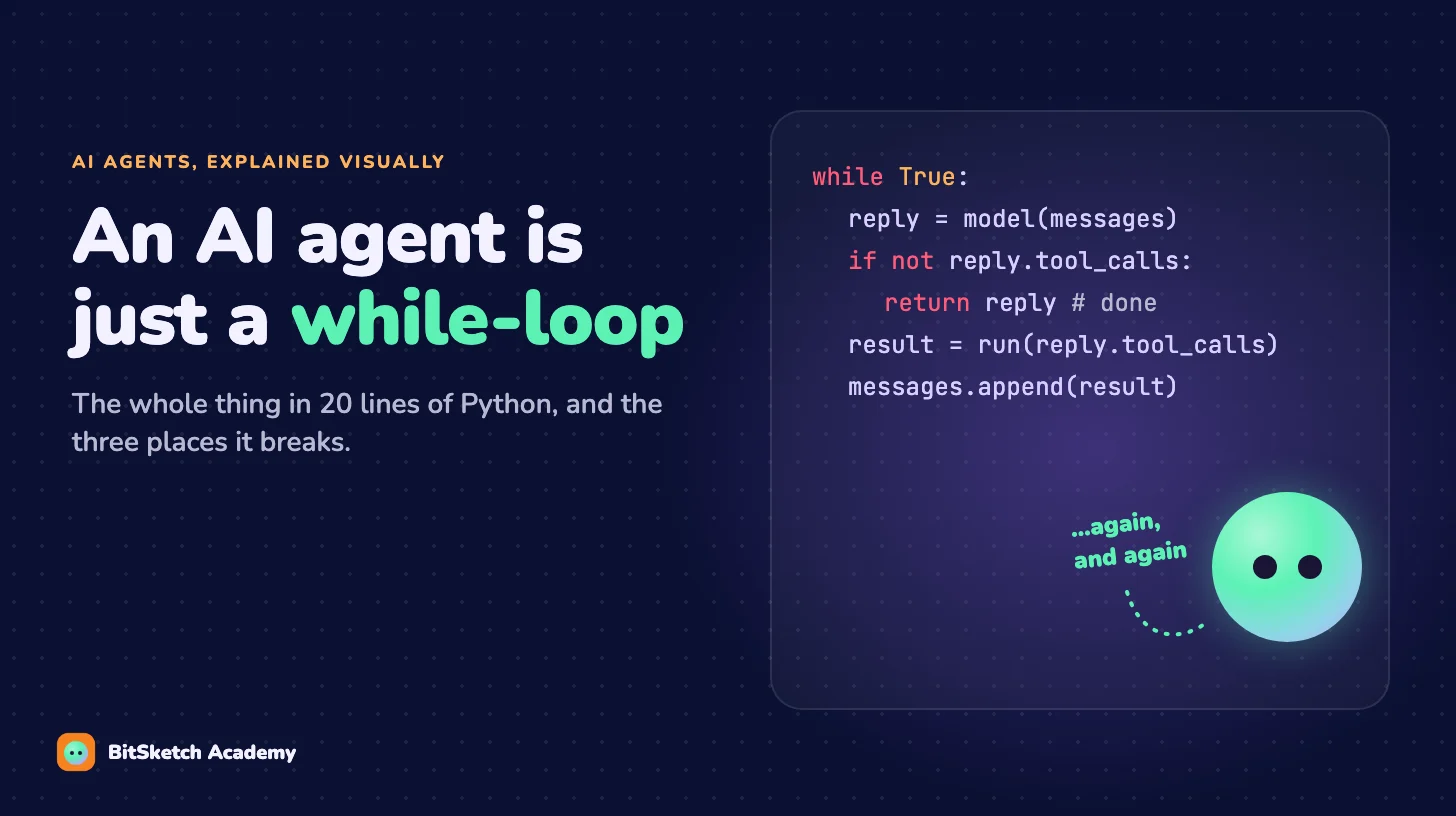
If you've read An AI agent is just a while-loop, Grok Bot will look familiar. Strip away the cloud computer and the apps and you get the same shape, with one extra step:
while True:
    step = call_model(messages)            # the model decides what to do next
    if step.is_done:
        return step.answer                 # "Summary posted to #bugs"
    if step.needs_approval:
        wait_for_human(step)               # e.g. "OK to send this email?"
    result = run_tool(step)                # browser, terminal, Slack, X...
    messages.append(result)
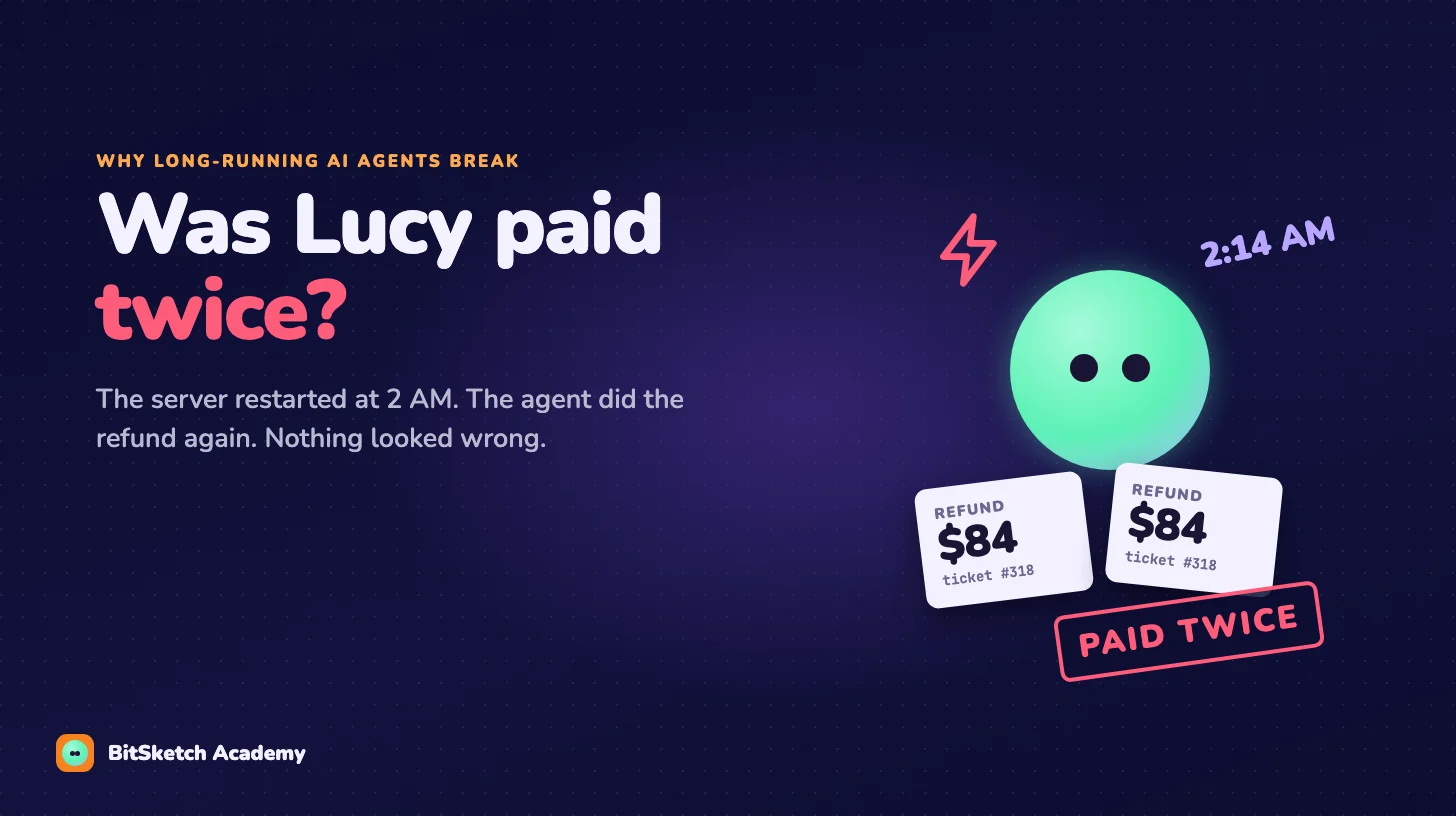
What xAI adds is everything around the loop: a machine that never sleeps, logins to your real apps, memory between runs and routines it learned from you. Those are exactly the parts that make an agent useful for long jobs, and also the parts that are hard to get right, which is what Was Lucy paid twice? is about.
Grok Bot is Grok turned from a chatbot into a coworker: you hand it a task instead of a question, and it does the work on its own computer, in your apps, until it's done or needs your OK.
Where to go next
To see how an agent like this is built from the inside, the free text course The Agent Loop, From Scratch starts at the loop above. And Long-Running AI Agents covers what changes when an agent runs for hours without anyone watching: approvals, memory, restarts and checking its own work.
Sources
- xAI, Introducing Grok Bot, August 2026
- xAI, Grok Bot is now included with more plans, August 2026
- xAI, Team Bots: shared AI teammates that learn as they work, September 2026
- xAI docs, Work with Grok Bot (tag @bot on X)
- Tesla North, Grok Bot can now search, read and monitor X without a connector, October 2026
- Tesla North, Grok Bot can now handle your X DMs and become your Android assistant, October 2026
Get the next post
New posts on how AI agents work, each one explained with a sketch, plus subscriber-only discounts on new courses.
You'll only hear from us when there's something new: a course, an ebook or a discount. Unsubscribe anytime. Privacy